Help center · Create & publish
Creation Automation
Plan a week or a month of content in one go. Add a list of ideas, start from a template or import a spreadsheet, pick how often to post, and AtSocials writes the captions, makes the media and schedules everything.
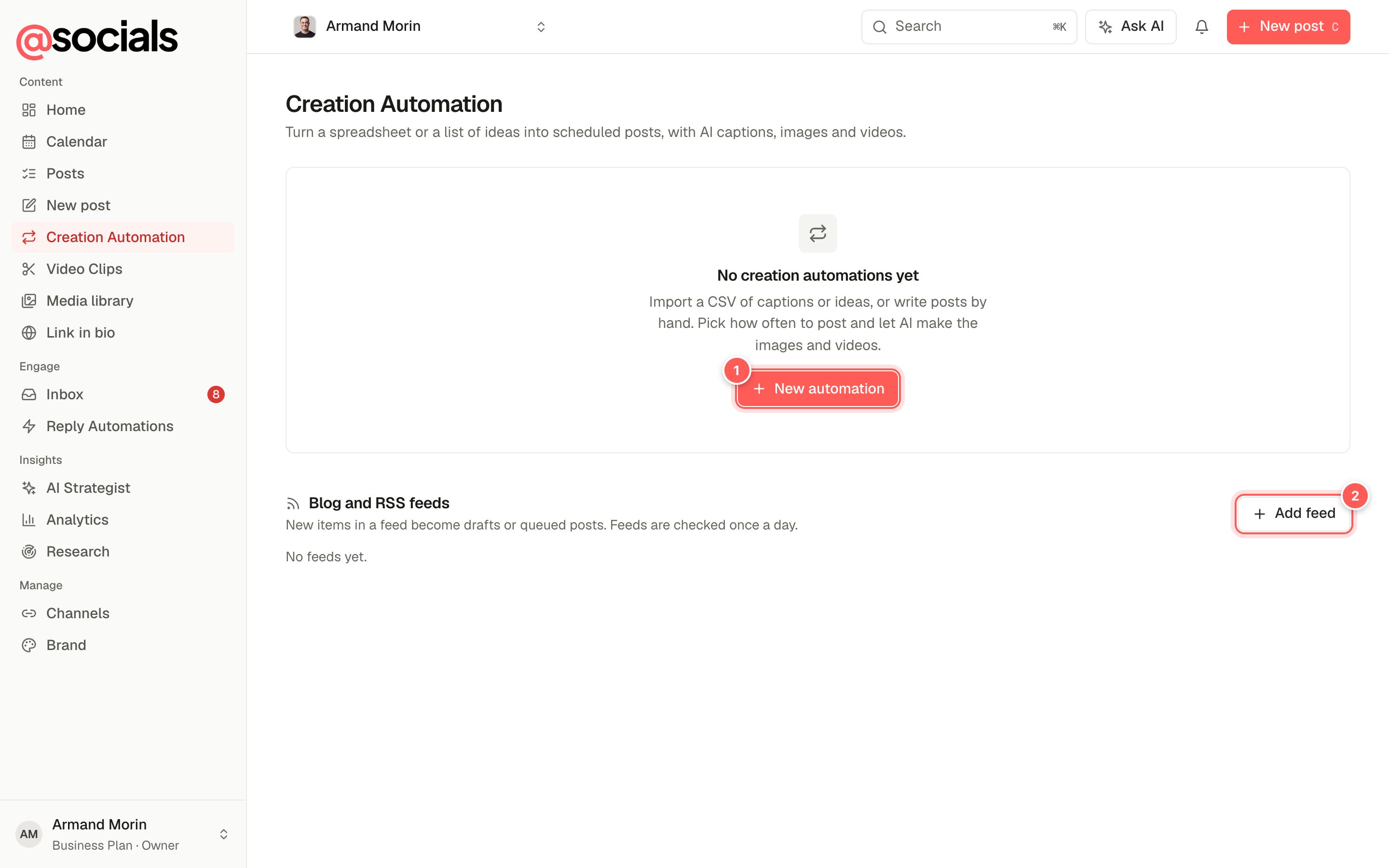
- New automation starts a new batch of posts.
- Add feed posts new items from your blog automatically. See Blog and RSS feeds.
Set up an automation
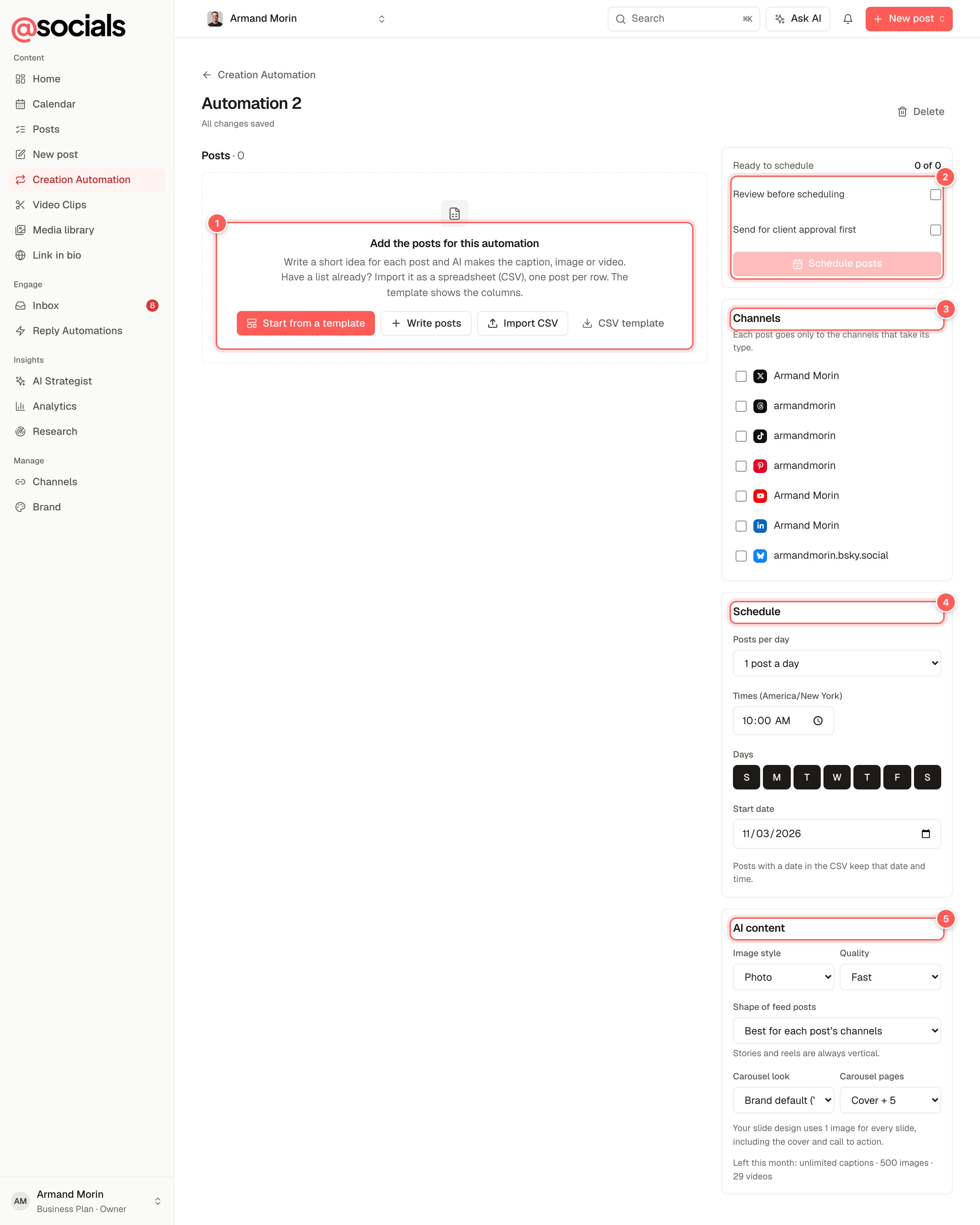
- Add the posts: Start from a template, Write posts by hand, Import CSV, or download the CSV template to see the columns.
- Review and schedule. Review before scheduling stops after the AI has made everything so you can check it first. Send for client approval first holds the posts for approval. The button shows how many posts are ready.
- Channels. Where these posts go. Each post only goes to the channels that accept its type (see below).
- Schedule. Posts per day, the times, the days of the week and the start date. Posts with their own date and time keep them.
- AI content. Image style (photo, illustration, graphic or your brand style), quality, the shape of feed posts, the carousel look and the number of carousel pages. The allowance left this month is shown underneath.
Start from a template
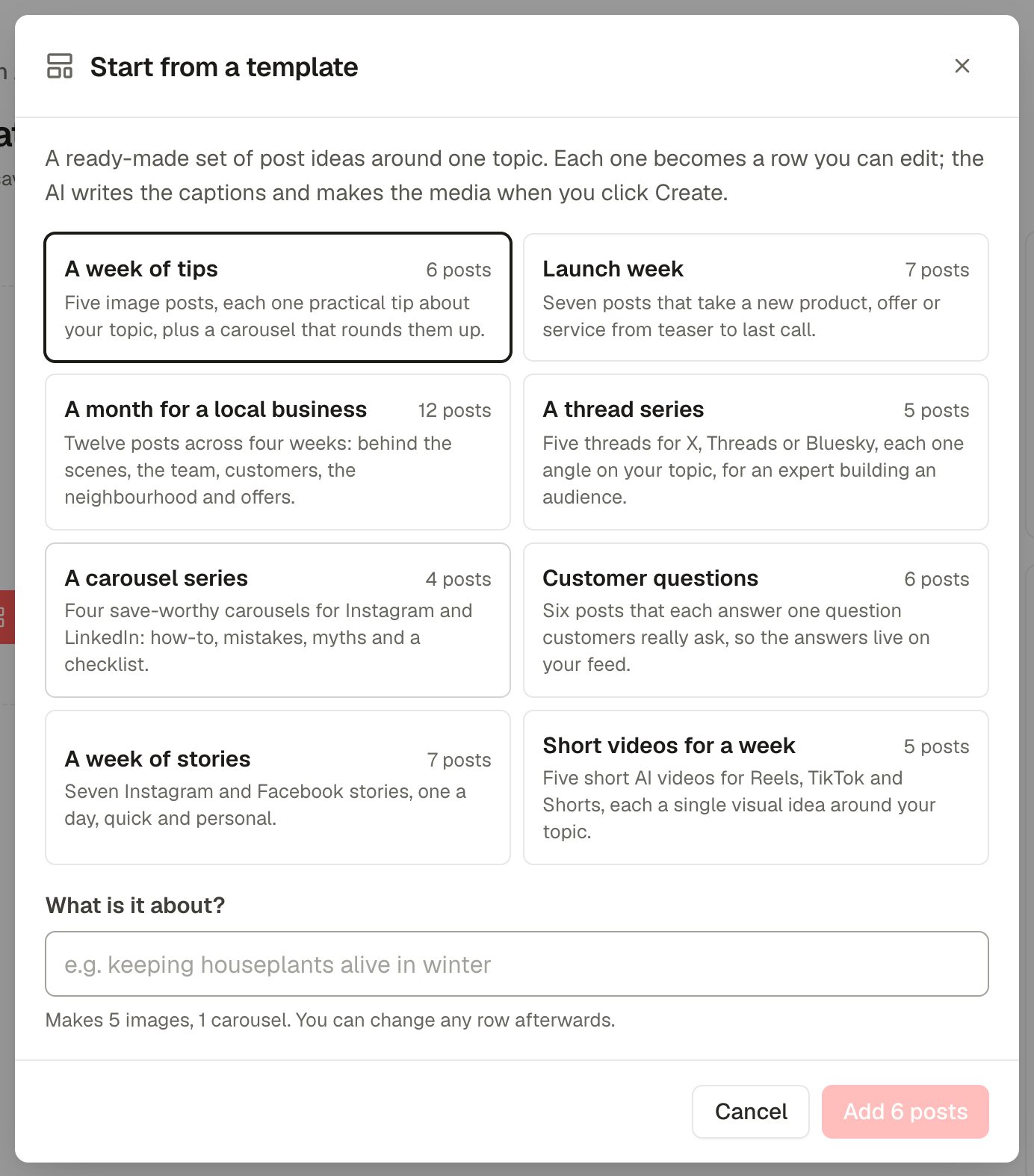
Templates include a week of tips, a launch week, a month for a local business, a thread series, a carousel series, customer questions, a week of stories and short videos for a week. Each idea becomes a normal row you can edit or delete. Nothing is generated until you click Create & schedule.
Edit the posts
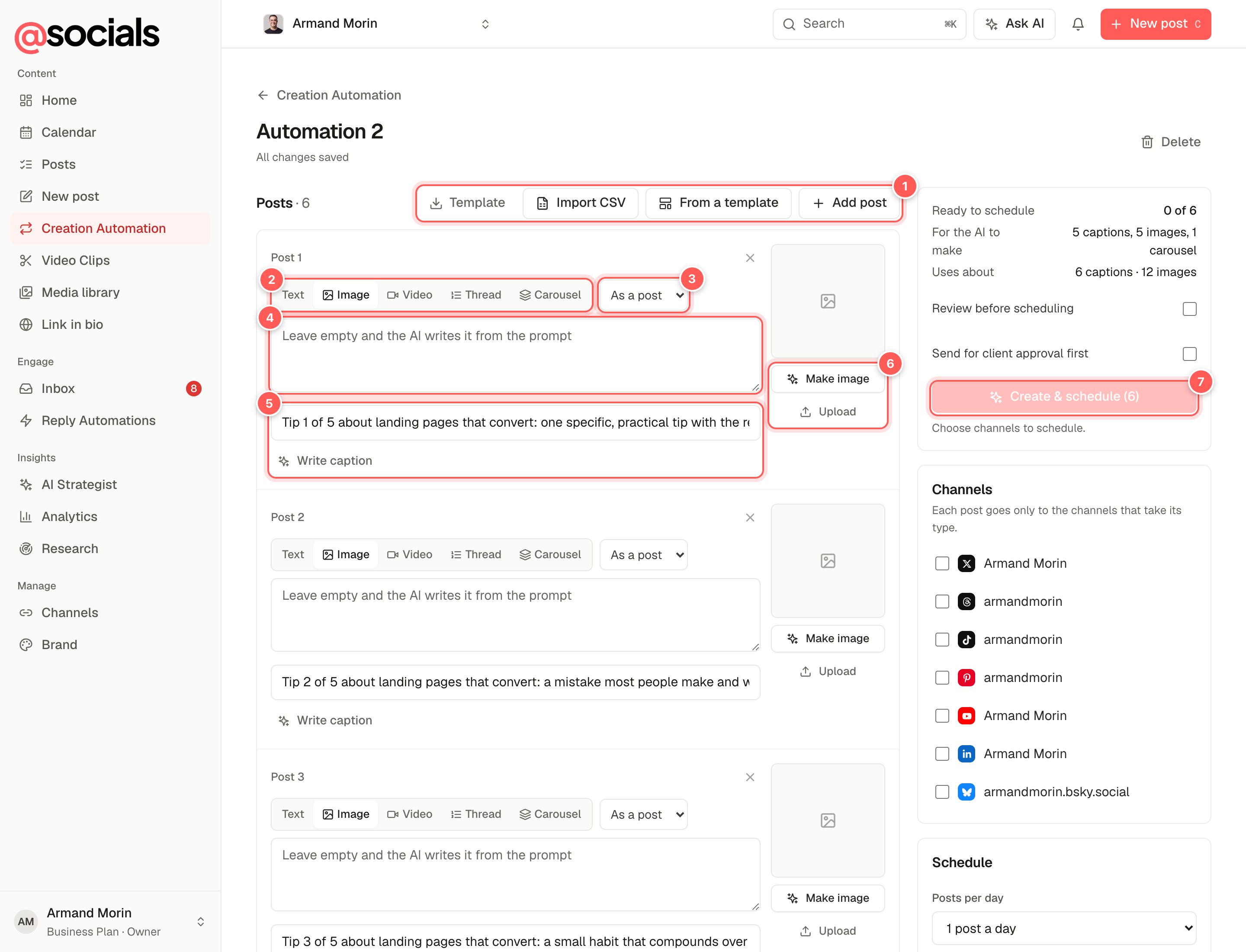
- Add more from the CSV template, an import, another template, or Add post.
- Type: text, image, video, thread or carousel.
- Post as: a feed post, a story or a reel.
- Caption. Leave it empty and the AI writes it from the prompt.
- AI prompt: what the post is about. Write caption writes just this one now.
- Media: Make image (or video / carousel) with AI, or Upload your own.
- Create & schedule makes everything that's missing (videos first, then captions, images and carousels), waits for the videos, then schedules every post.
Which channels get which postStories go to Instagram and Facebook. Reels go to Instagram, Facebook, TikTok and YouTube. Threads go to X, Threads and Bluesky. Carousels skip X and Bluesky. Channels that can't take a post are greyed out on its row. A post with a problem (a text story, a reel without a video) is flagged, never changed silently.
Import a CSV
One post per row. The columns are:
| Column | What to put in it |
|---|---|
caption | The finished caption. Leave empty to have AI write it. |
type | text, image, video, thread or carousel |
post_as | post, story or reel |
prompt | What the post is about, for the AI. |
media_url | A link to your own image or video. Several links (separated by spaces, commas or |) make a carousel. |
date, time | Optional fixed date and time. Rows without them fill the schedule. |
Blog and RSS feeds
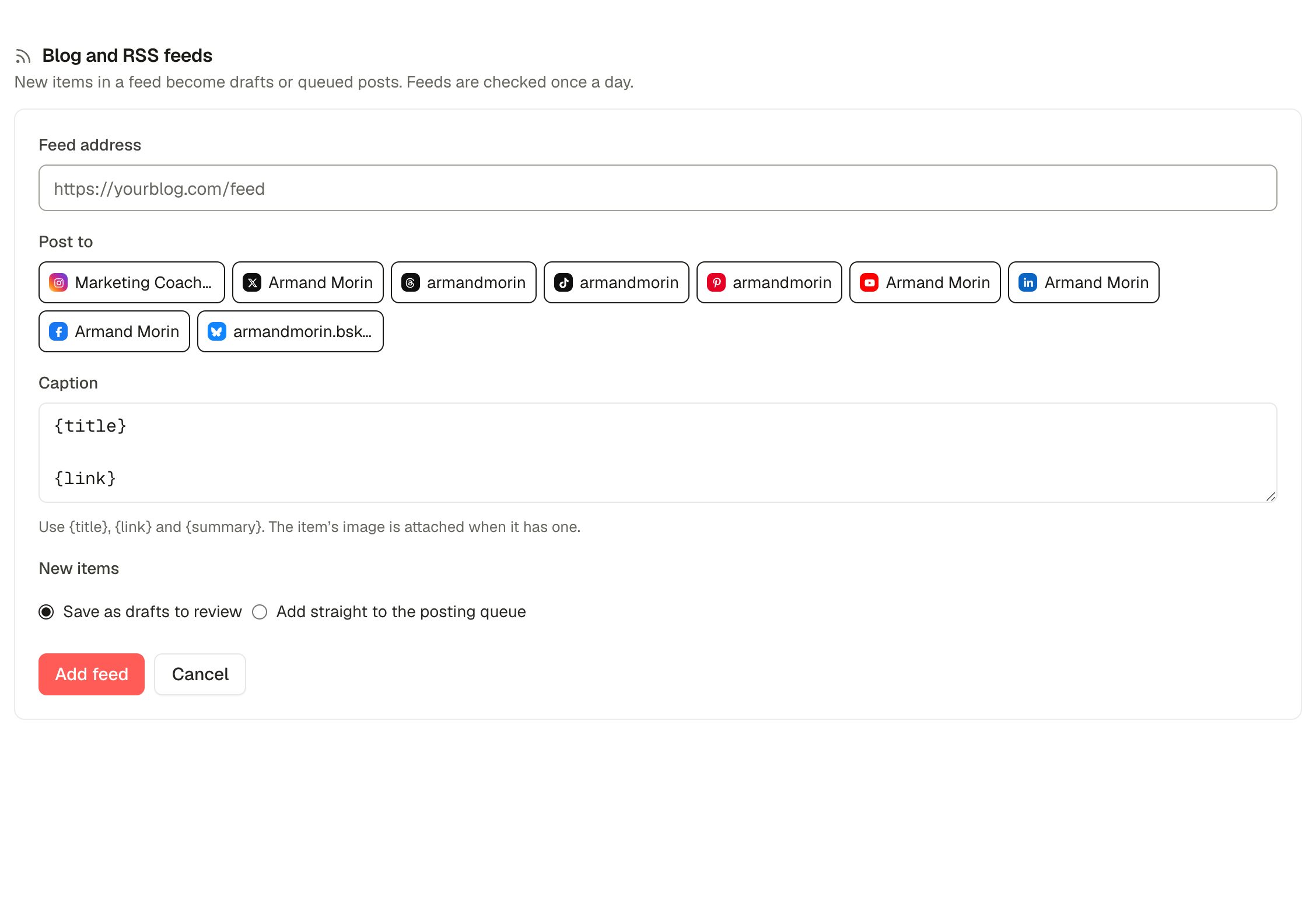
- Paste the feed address (usually ends in
/feedor/rss). - Choose the channels under Post to.
- Write the caption using
{title},{link}and{summary}. The article's image is attached when it has one. - Choose Save as drafts to review or Add straight to the posting queue, then Add feed.
Feeds are checked once a day, or now with Check now. The first check only notes what's already there, so you don't flood your channels with old articles. After that, up to 3 new items become posts per check.