Help center · Insights
Research
Research has two tabs: Listening, to see what people say about your brand and topics, and Competitors, to compare your Instagram with other brands.
Listening
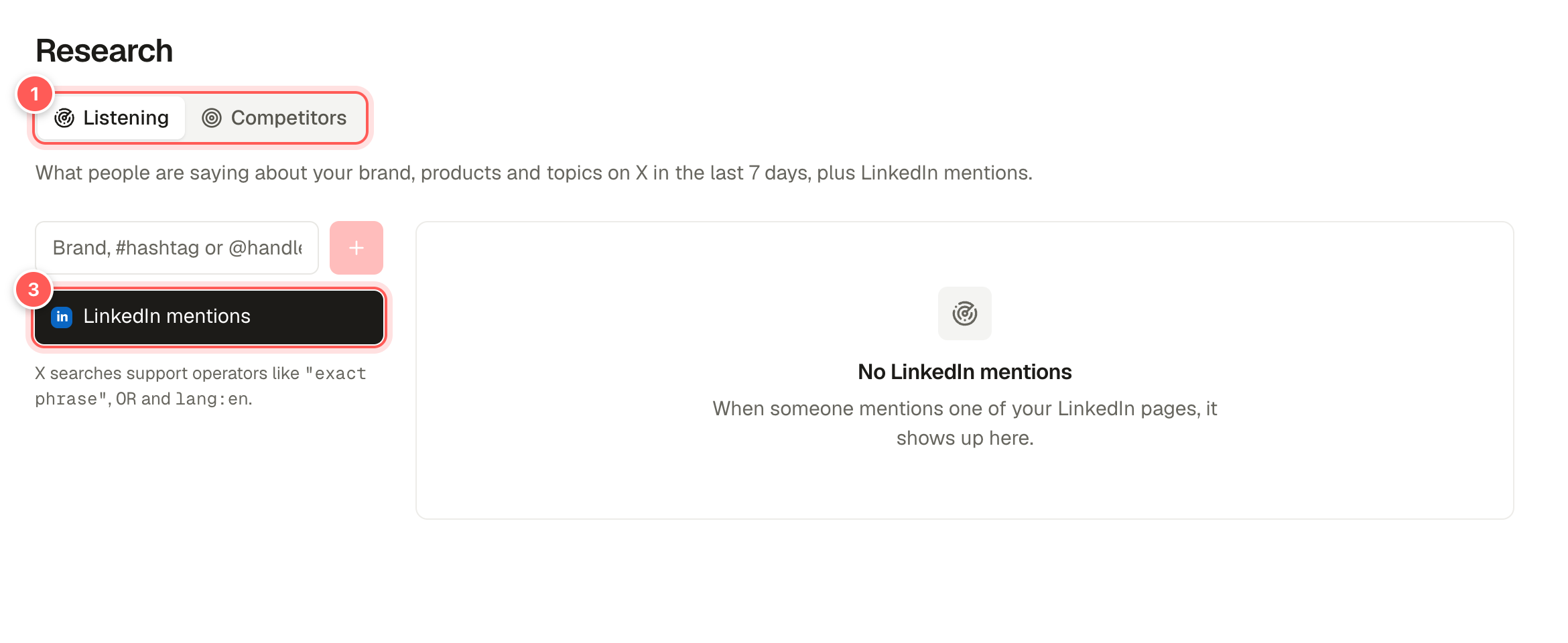
- Listening and Competitors tabs.
- New search. Type a brand name, hashtag, @handle or topic and save it. Saved searches show posts on X from the last 7 days.
- LinkedIn mentions: posts where someone mentions one of your LinkedIn pages.
Search on X needs a connected X account. Use quotes for exact phrases, for example "social media scheduler".
Competitors
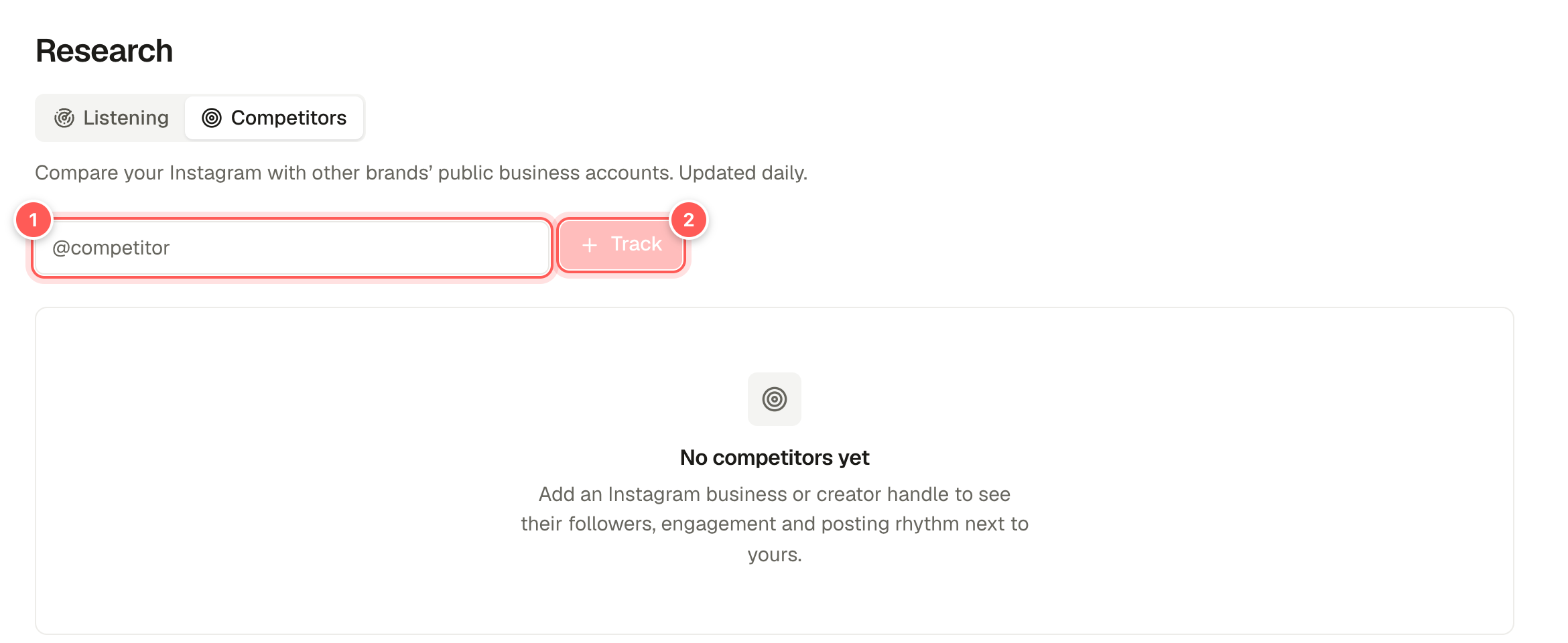
- Handle. Type an Instagram business or creator account, for example
@competitor. - Track adds it. You'll see their followers, engagement and how often they post next to yours, updated daily.
RequirementsCompetitor tracking only works for public Instagram business and creator accounts, and your own Instagram must be connected through Facebook (Instagram's business discovery requires it).