Brand
The Brand page decides how a brand looks and sounds everywhere in the app: in AI captions, images, carousels, clips, reports, the link page and client review links.
Open it from the sidebar (Manage → Brand) or the brand switcher (Brand settings).
Details
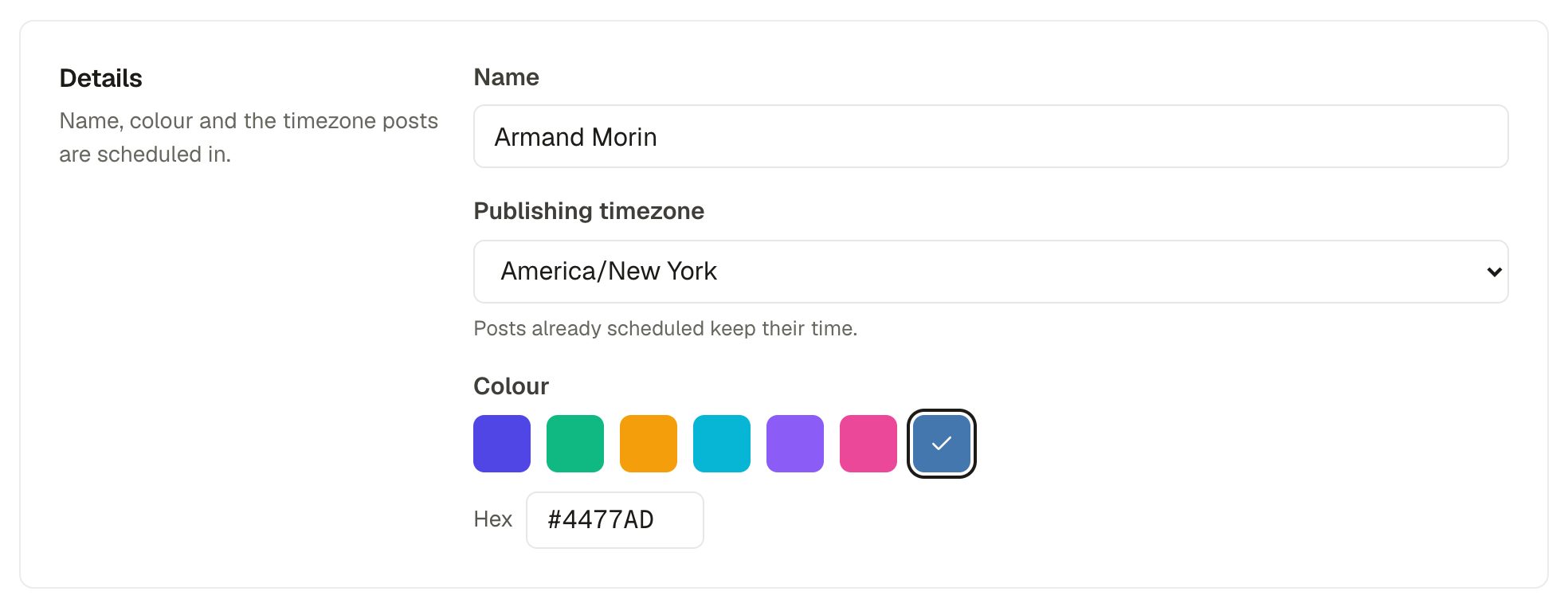
- Publishing timezone. All scheduling for this brand uses this timezone. Changing it doesn't move posts that are already scheduled.
- Colour. Used for the brand's avatar, the link page, drawn carousel slides and reports. Pick one or type a hex code.
Logo

The logo appears in the brand switcher, client reports, the link-in-bio page, client review links and in the corner of every AI carousel slide. Without a logo, the brand's initials on its colour are used.
Brand voice
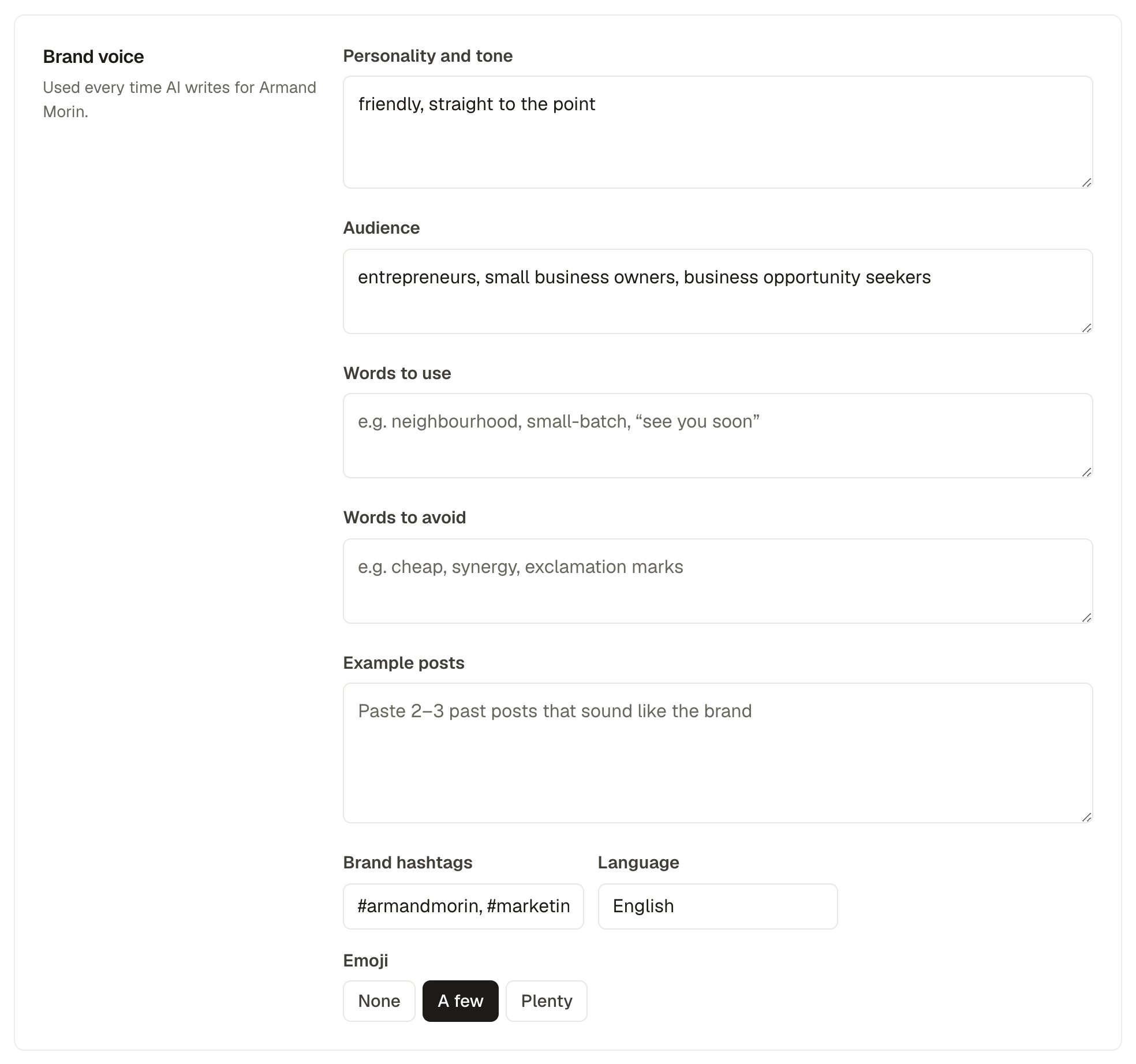
- Personality and tone, and your audience.
- Words to use and words to avoid.
- Example posts: paste 2 or 3 posts that sound like you. This makes the biggest difference.
- Brand hashtags, the language to write in, and how much emoji (none, a few, plenty).
Brand image style
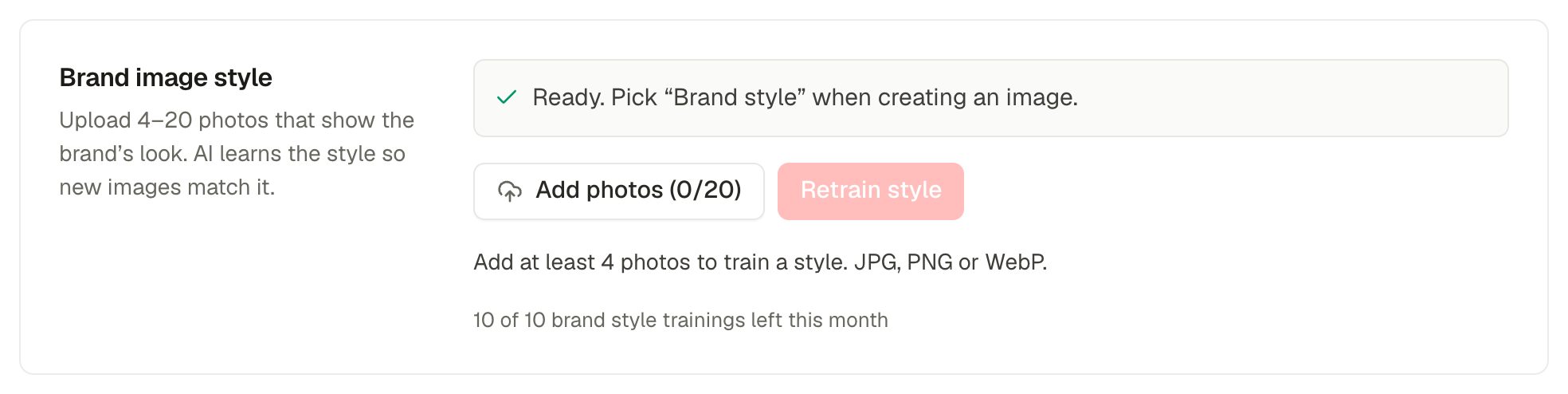
Upload 4 to 20 photos that show your brand's look and click Train style. Training takes a few minutes. Once it's ready, pick Brand style when making images or carousels, and new images will match. Training uses one of your monthly style trainings.
Slide design
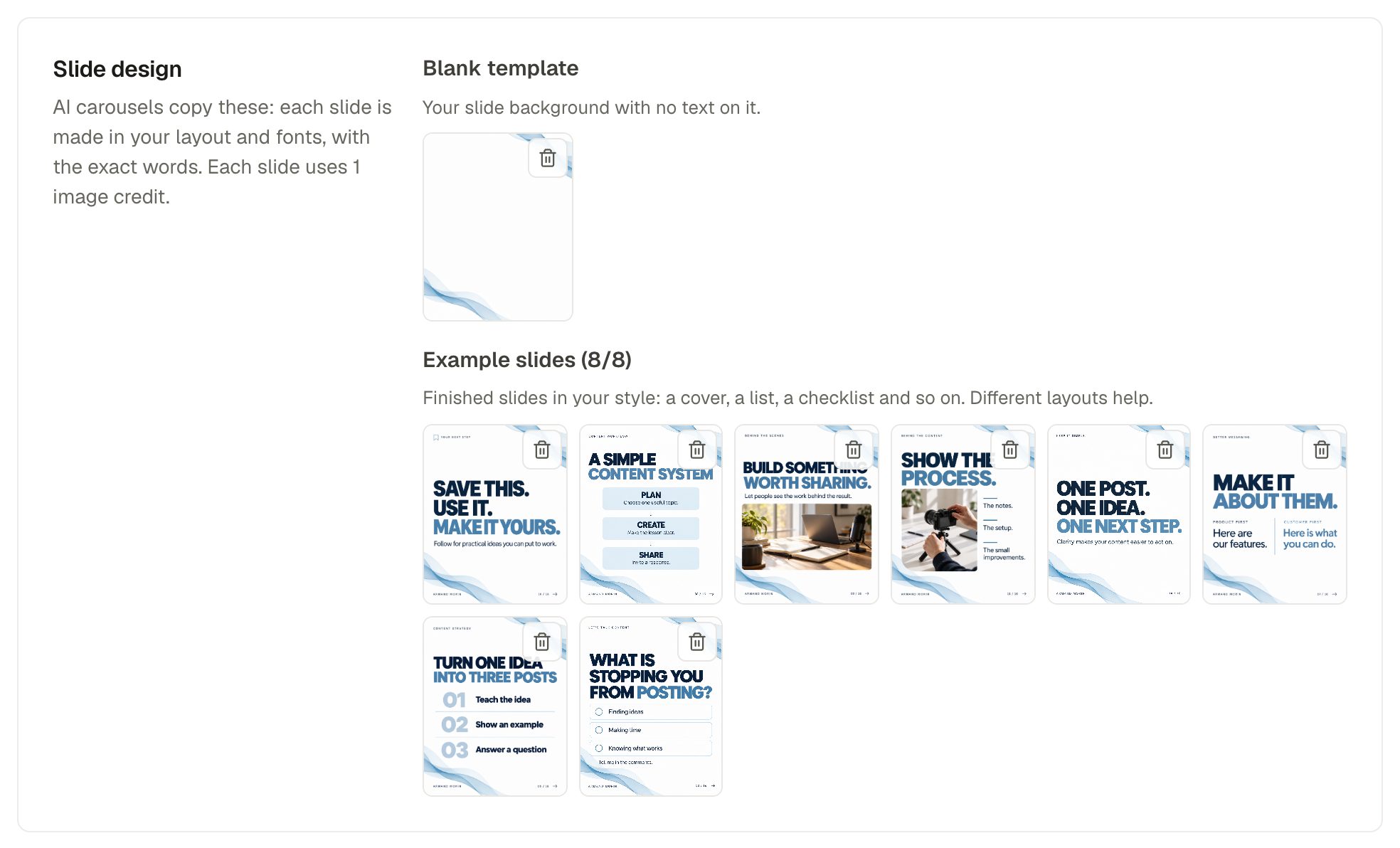
Upload a blank template (your slide background with no text) and up to 8 example slides in your style. The Your design carousel look then makes every slide in your layout and fonts, with the exact words you approved. Each slide uses 1 AI image credit.
Video transcripts
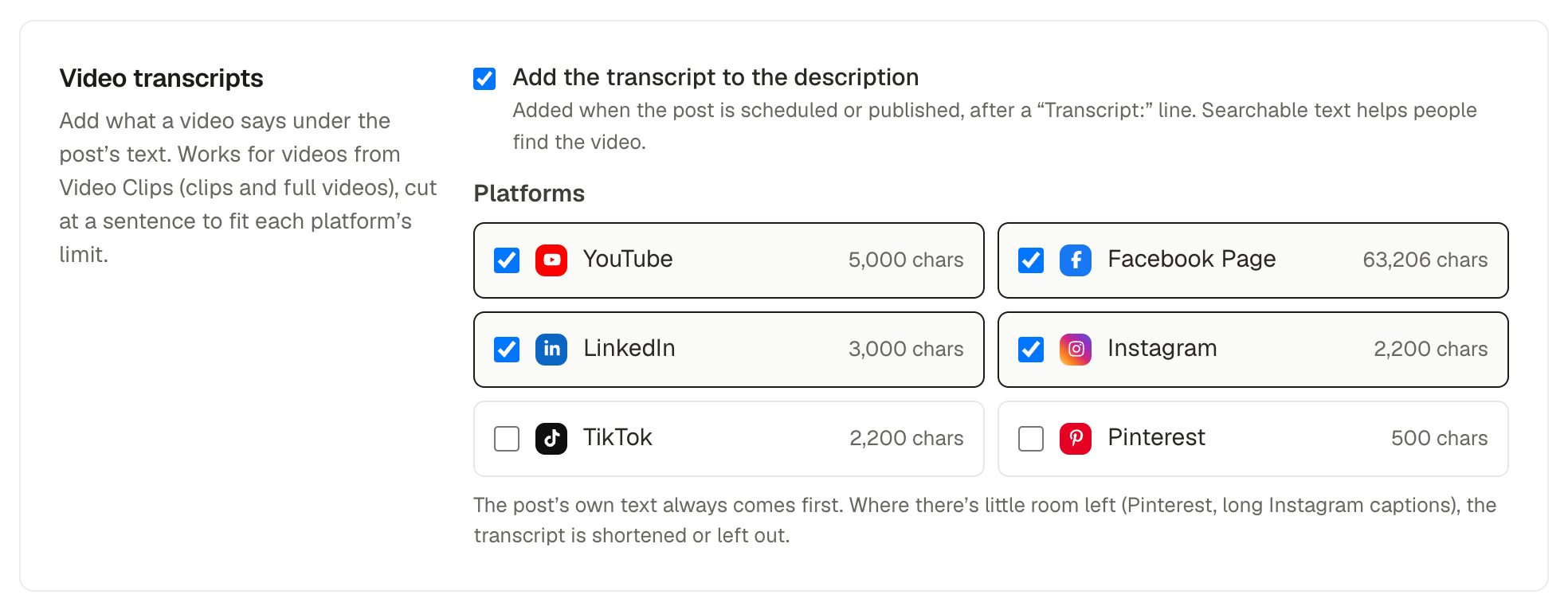
See Video transcripts in the description.
End screen
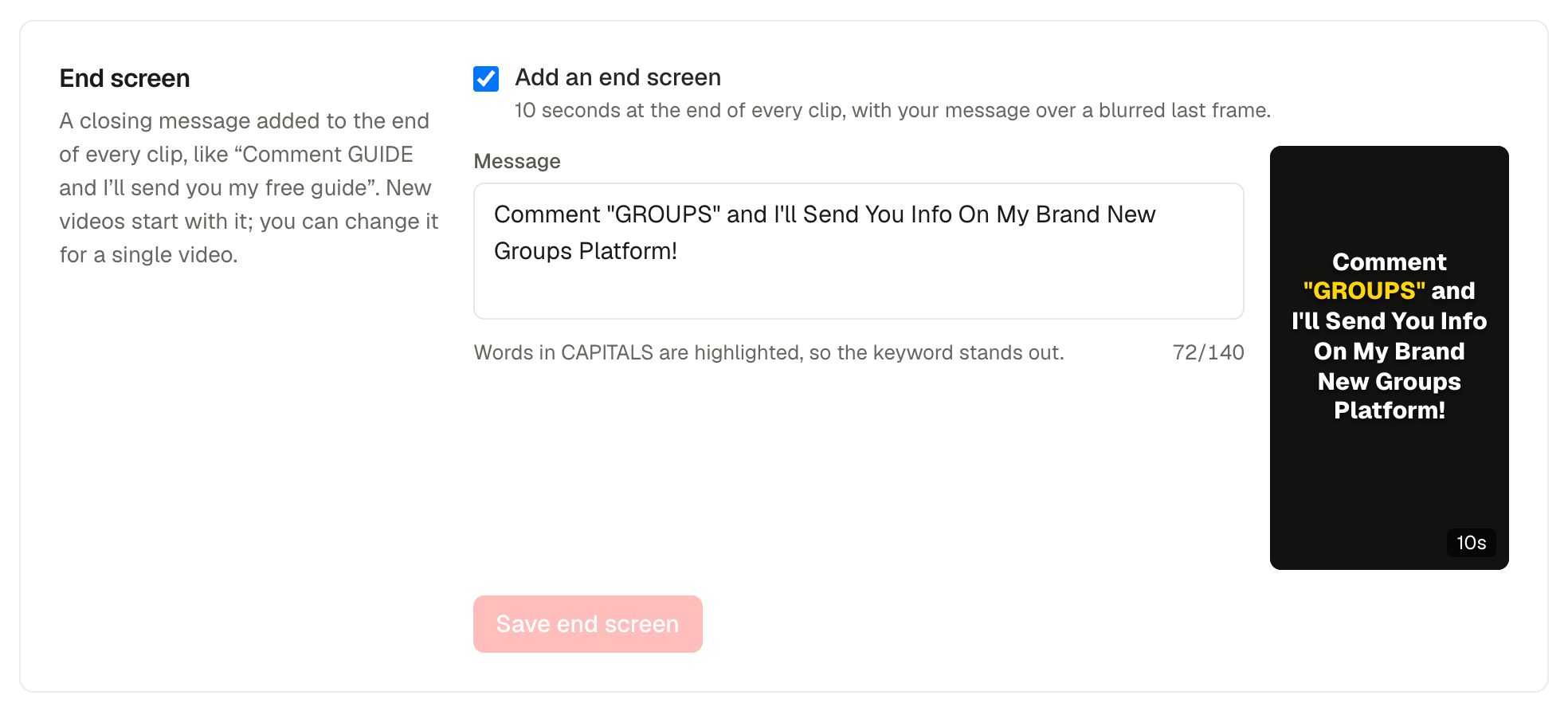
See End screen. The brand also has a default clip schedule, set at the bottom of the Video Clips page.